



RemoteCompanion Icon

RemoteCompanion

Scriptable system control, gesture automation, and desktop hub for modern jailbroken iOS.

v4.0.0 Latest iOS 14 – 17 • Partial iOS 26 Rootless (Dopamine / Palera1n) Rootful & RootHide arm64 / arm64e
Repository URL https://saihgupr.github.io/remotecompanion/

Package Information

Package Name RemoteCompanion
Identifier com.saihgupr.remotecompanion
Latest Version 4.0.0
Architectures iphoneos-arm64, iphoneos-arm
Section / Category System & Automation
License & Support MIT / Open Source

v4.0.0 Interface & Experience

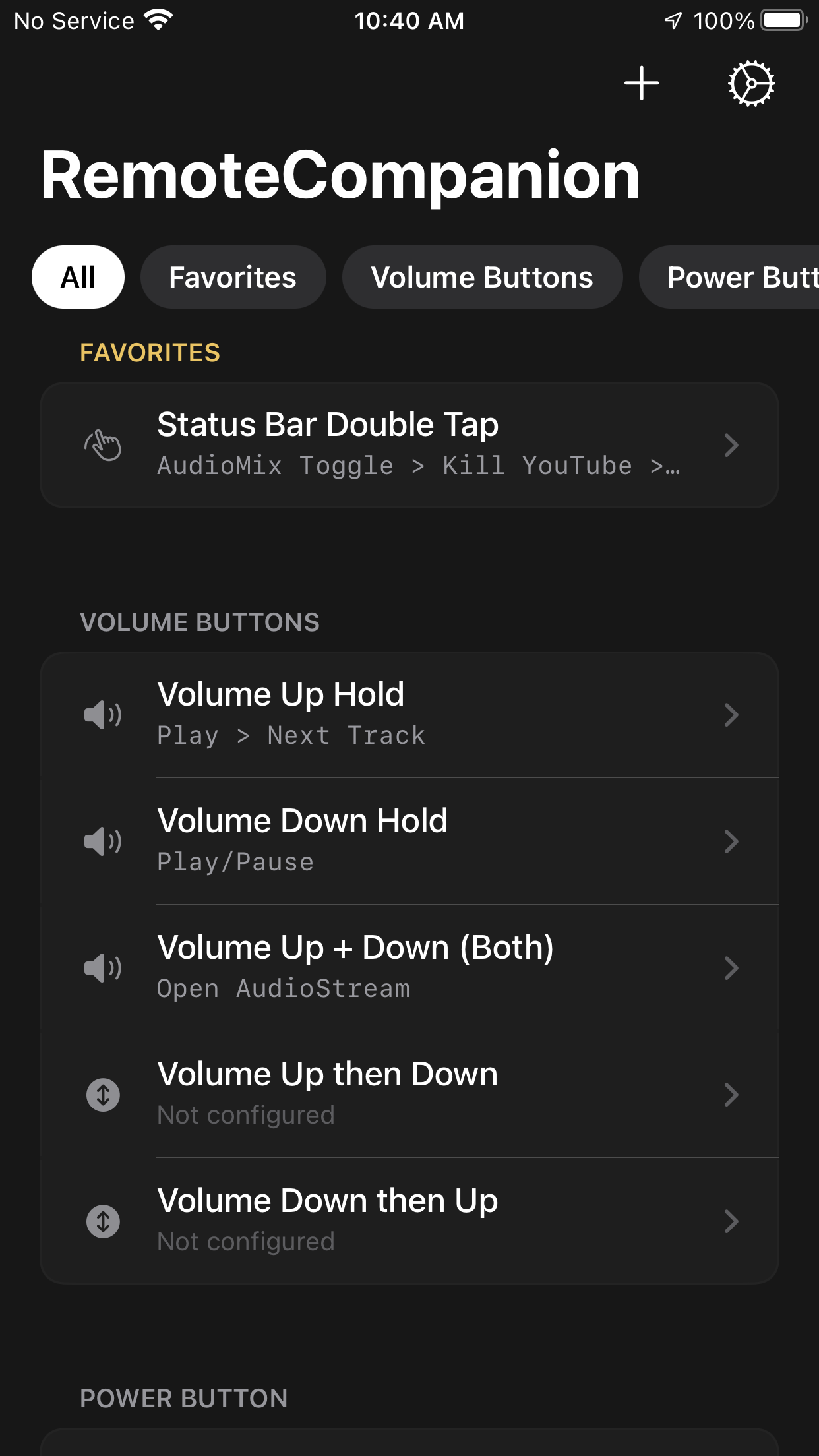
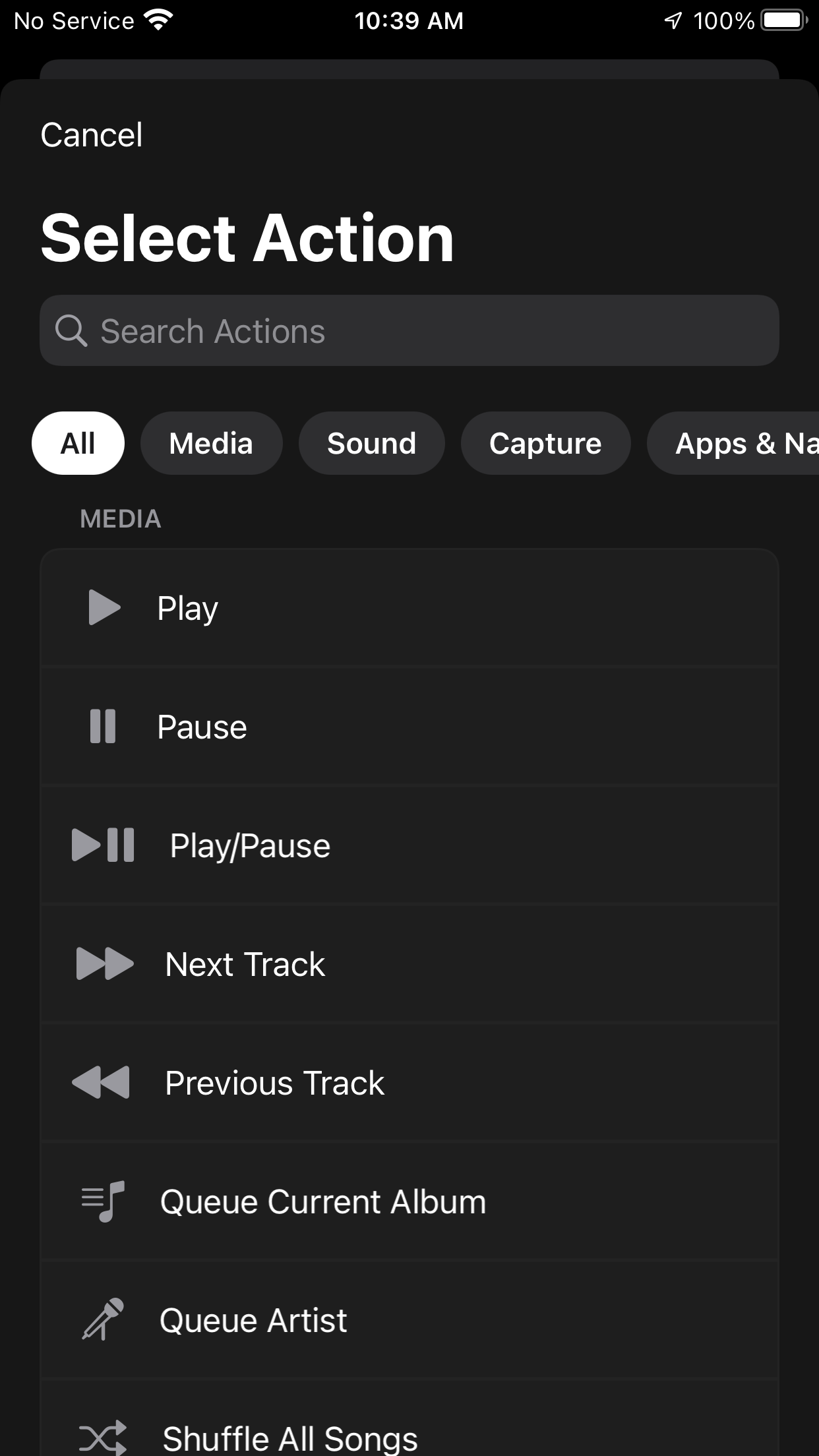
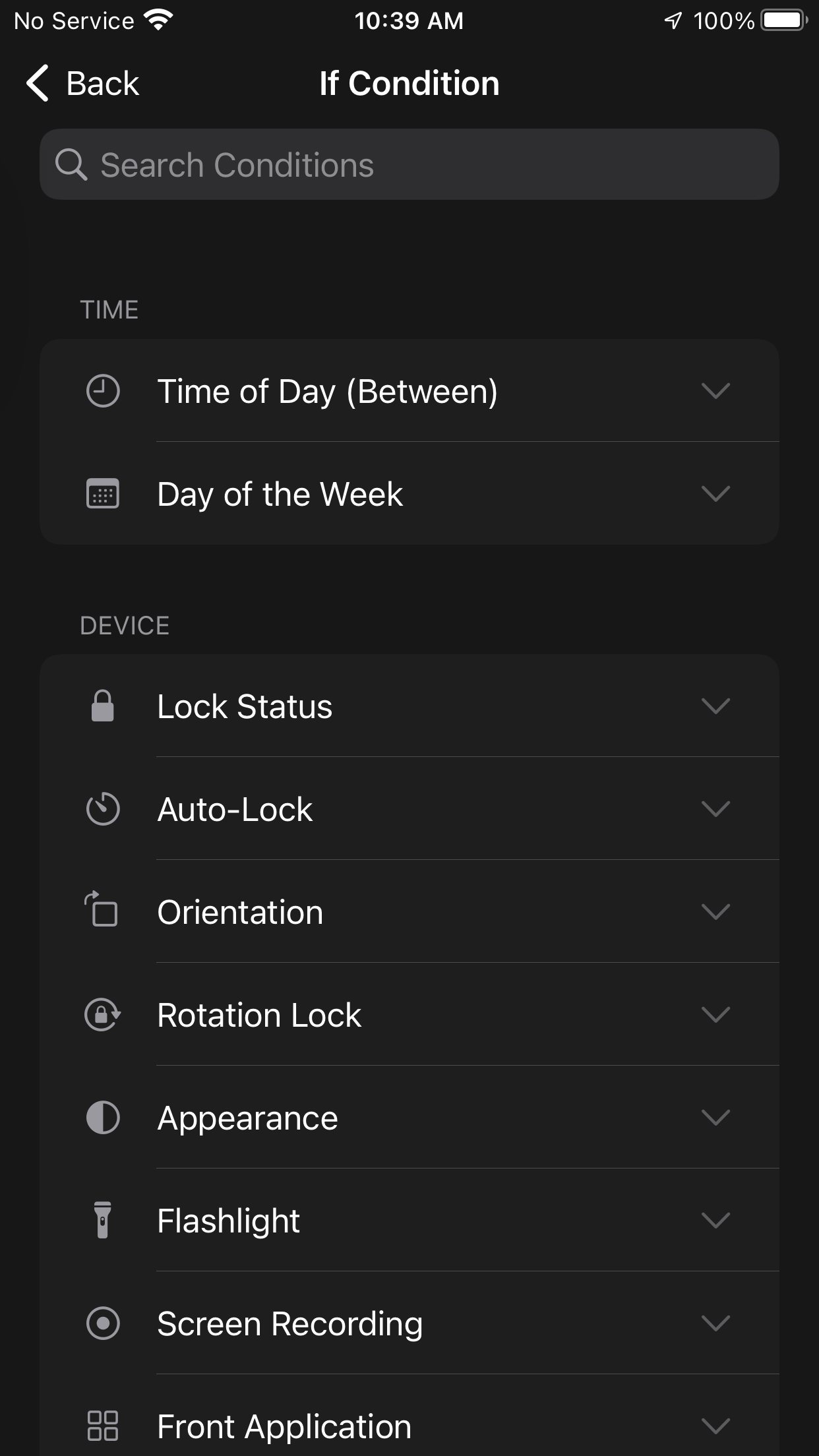
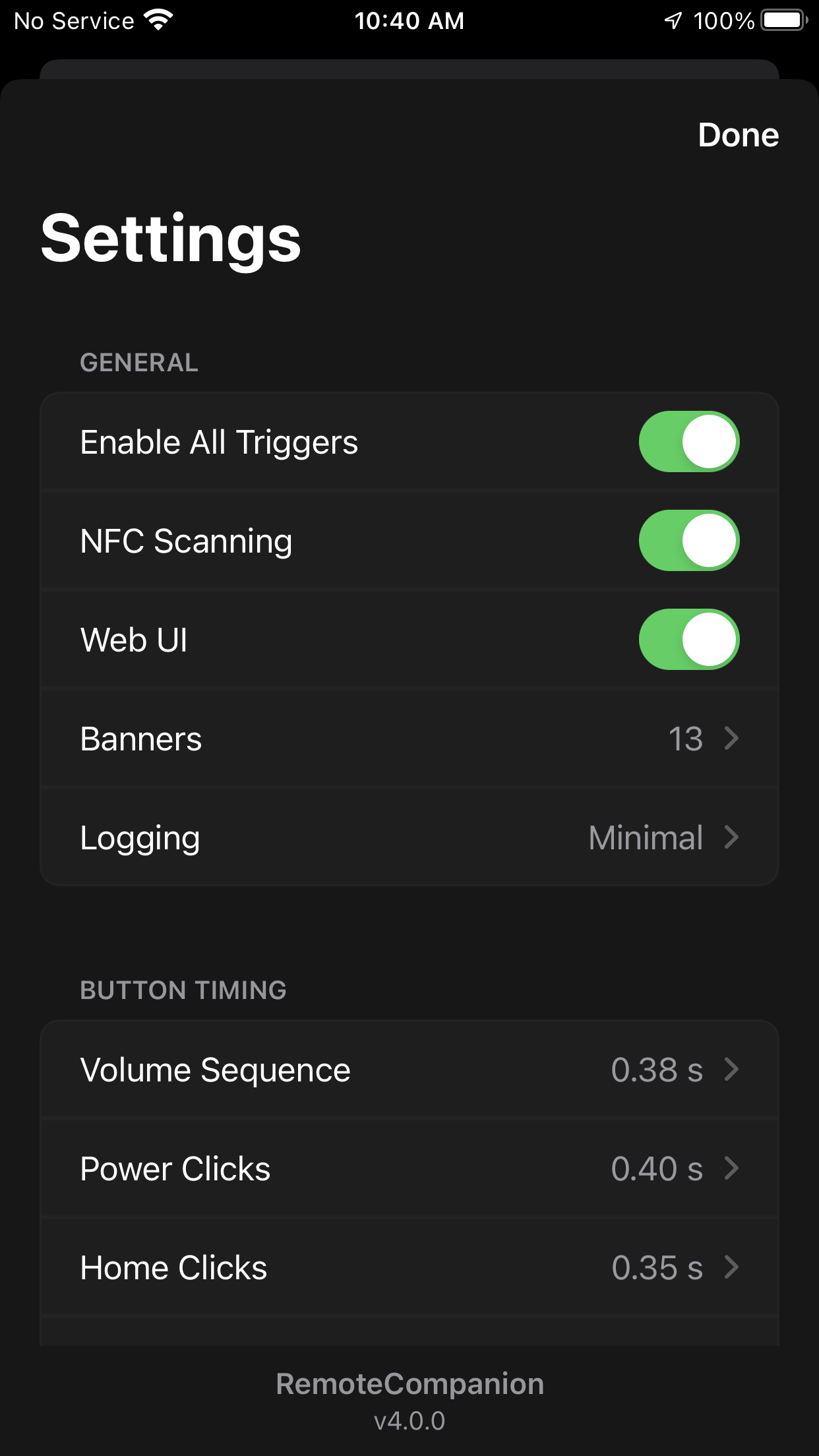
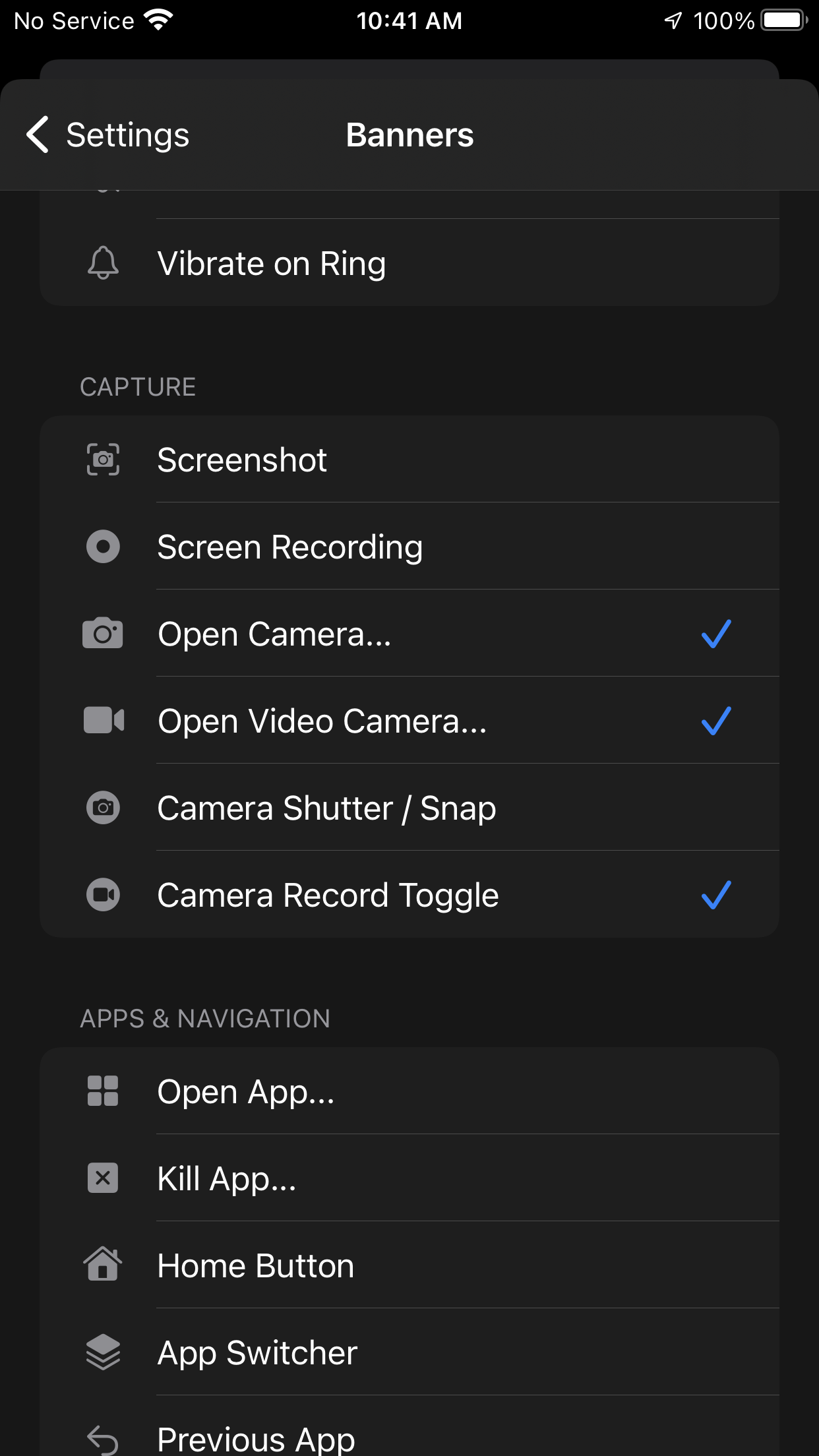
Take a look at the modern iOS design, trigger builder, action pickers, and settings.

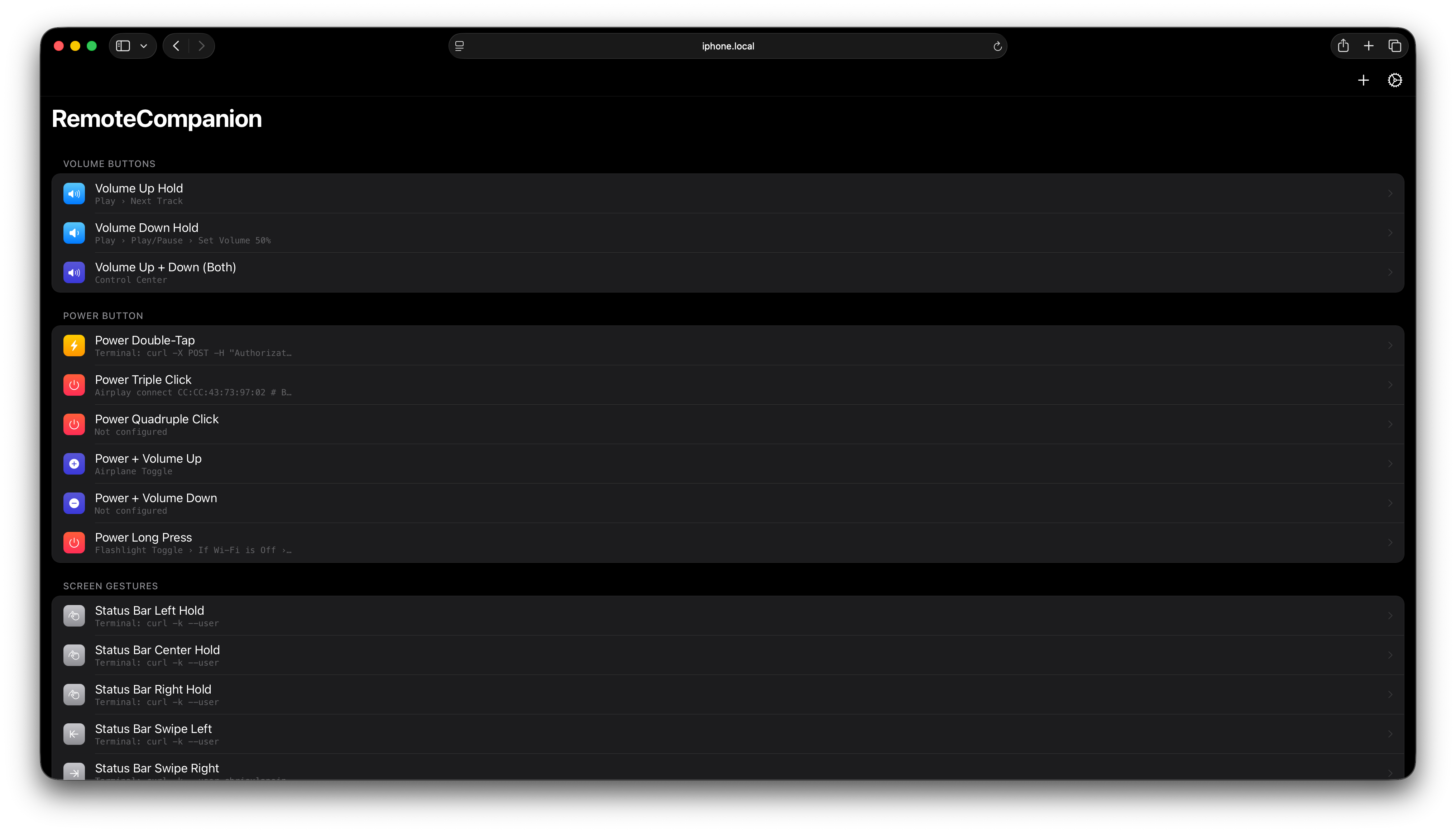
Main Interface Action Picker If Conditions Settings & Backup Trigger Config

Designed for Modern Power Users

Deep hardware hooks, smart home connectivity, and native system triggers with zero battery drain.

Hardware & Gesture Triggers

Buttons & Sensors

Bind multi-step action sequences to physical buttons, device sensors, and hardware state changes.

  • ✓ Power & Volume button hold & combos
  • ✓ Touch ID tap / long-press & Ringer switch
  • ✓ NFC background tags & Proximity pocket detection
  • ✓ Power connect/disconnect & Status Bar double-tap

Integrations Hub

IoT & Desktop Automation

Seamlessly communicate with smart home ecosystems, Mac productivity tools, and IoT brokers.

  • ✓ Home Assistant: Full entity picker & live state control
  • ✓ Keyboard Maestro: Visual macro picker & params
  • ✓ Native MQTT: Publish actions & background subscription triggers
  • ✓ Siri Shortcuts: Deep native workflow integration

Camera & Stealth Actions

Capture & Lockscreen

Automated photo/video recording and lockscreen camera bridging for instant capture.

  • ✓ Lock Screen Camera Launch Trigger bridging
  • ✓ Video recording automation with custom modes & zoom
  • ✓ Native SneakyCam background photo/video triggers
  • ✓ Haptic feedback & HUD toast overlays

Scripting & Conditional Logic

Lua, Time & Safe Mode

Build smart branching rules with time-of-day, proximity, Bluetooth connection, and Lua engines.

  • ✓ Time of Day: If Time Between AM/PM conditional blocks
  • ✓ Location Services: Native GPS toggle & status queries
  • ✓ Safe Mode: One-tap diagnostic restart via CLI & UI
  • ✓ Lua Engine: Full Objective-C runtime bridge (`objc_call`)

Visual Workflow Hub & Live Diagnostics

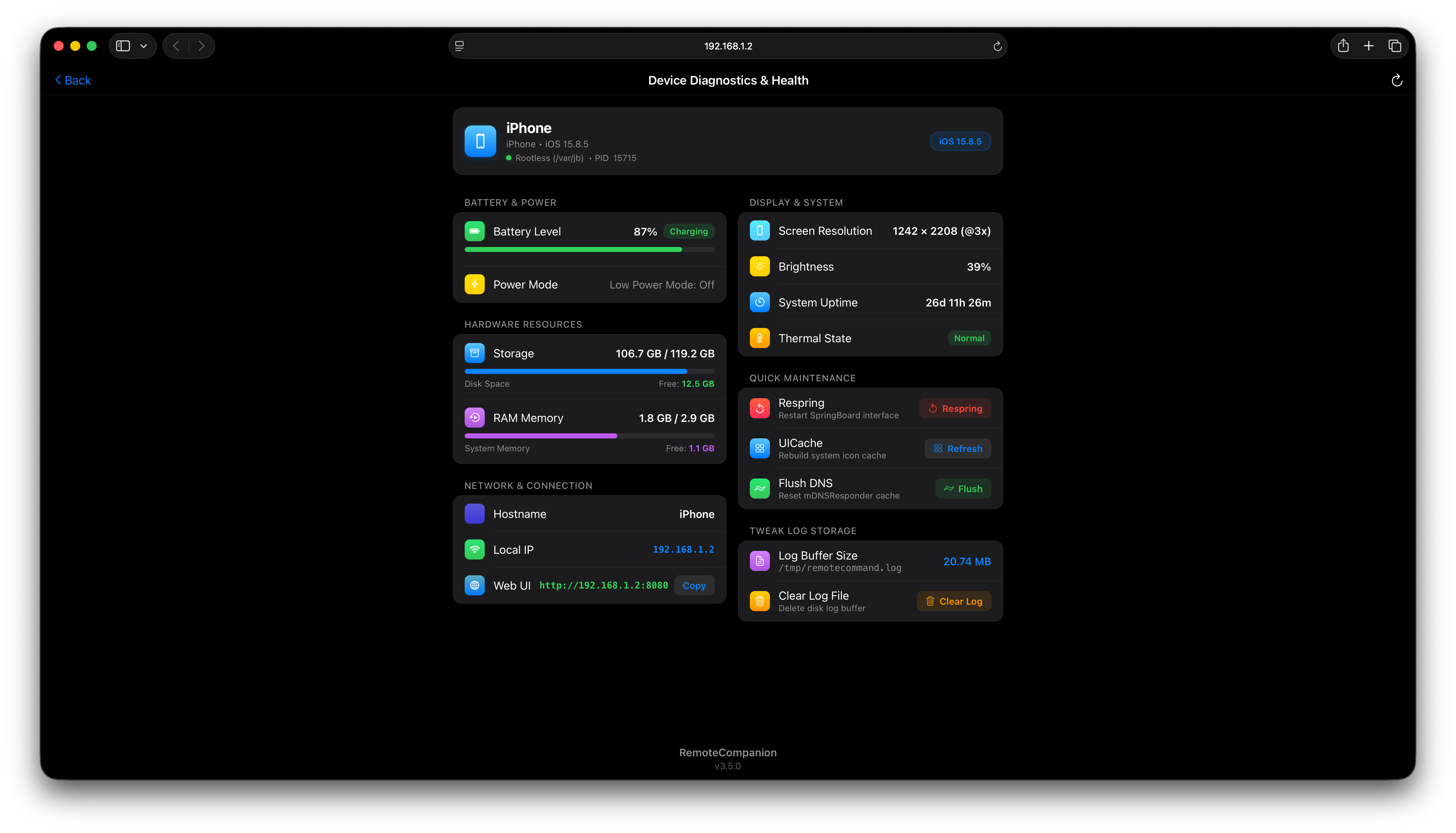
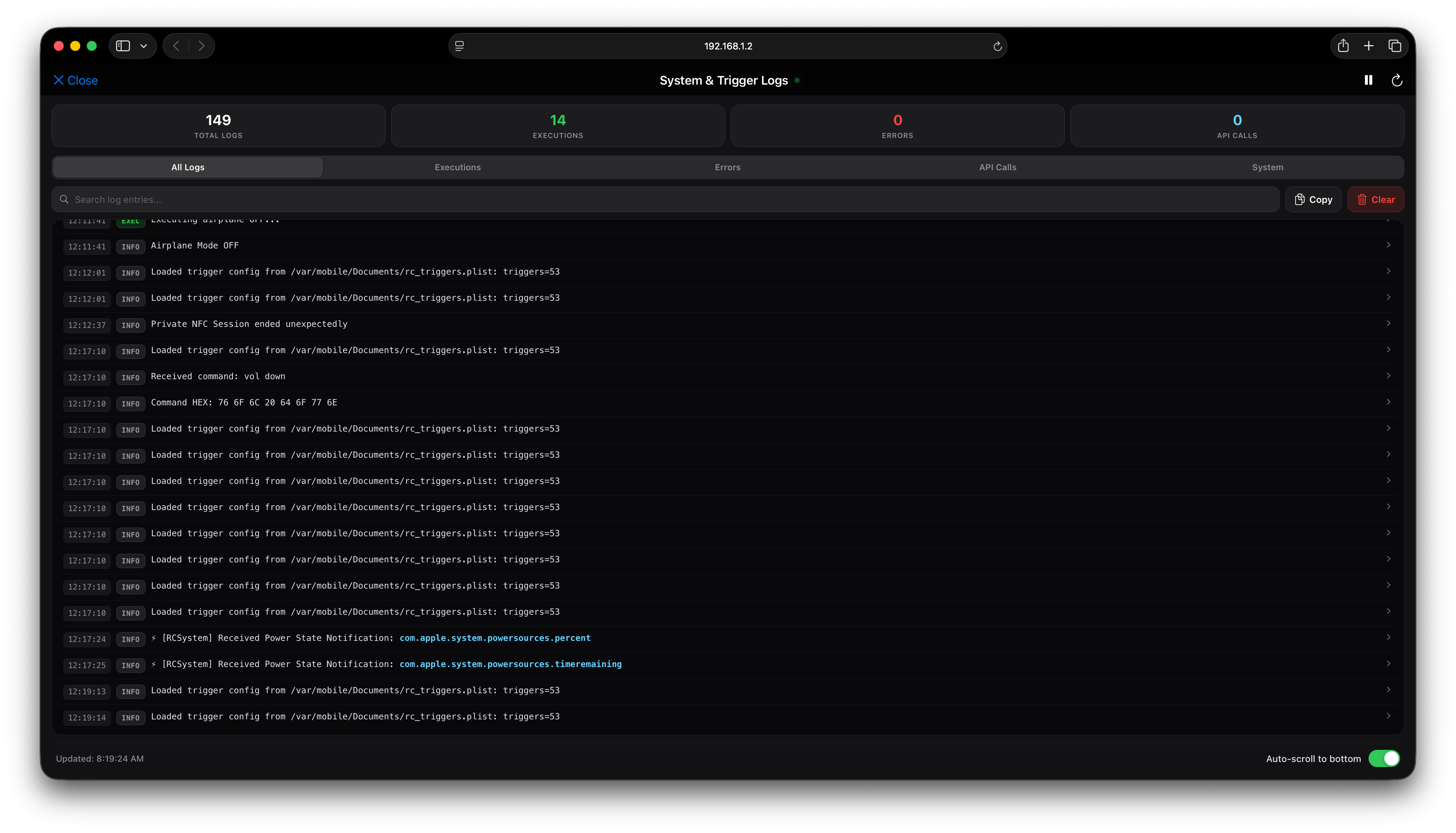
Manage triggers, build drag-and-drop action sequences, monitor system health, and copy API endpoints right from your desktop browser at http://[DEVICE_IP]:8080.

RemoteCompanion Web UI Workflow Editor
Terminal & SSH CLI Cheatsheet — Click to Copy
rc playpause Toggle Media
rc volume 75 Set Volume
rc ha toggle <entity> Home Assistant
rc km trigger <name> Keyboard Maestro
rc mqtt pub <topic> [payload] MQTT Publish
rc location toggle GPS / Location
rc safemode Safe Mode
rc webui on Start Web Server

What's New in v4.0

October 2026
New

Button Timing Engine & Settings: Dedicated settings menu for Power Clicks, Home Clicks, Volume Sequences, and Holds. Instant native passthrough for volume buttons with zero lag, and intelligent dark-screen wake detection.

New

Sound & Haptics Category: Direct controls for Silent Mode (ringer silent|ring|toggle), Ringer Volume %, system Haptics modes (always/silent-only/ring-only/never), unified Noise Control (ANC), and incremental volume adjustments (volume up/down N).

UI Refresh

New Navigation & Triggers: Dedicated New Trigger screen, auto-hiding category bar, modal AirPlay/Bluetooth device pickers, and configurable action banners.

New

Expanded Automations: 13 new If Conditions including Auto-Lock timeouts, Haptics modes, vibration states, and relative volume conditions.

Compatibility

iOS 17 Compatibility & Bug Fixes: Full support for iOS 17 button hooks, Camera actions, App Switcher, Siri, and Ringer Switch triggers.

View Previous Version History (v3.5.2 – v3.0.0)
v3.5.2

Modernized Siri Shortcuts execution with WorkflowKit / VoiceShortcutClient fallbacks, respring reliability improvements, and multi-button combo detection.

v3.5.0

Added SneakyCam photo/video triggers, Web UI live system log viewer console (`/api/logs`), and AC Power Connect/Disconnect triggers.

v3.4.0

Cellular Data control, Dynamic Web UI Port fallback (8080–8099), HUD toast notifications, and Proximity / Pocket sensor conditions.

Installation & Sideloading

1. Via Package Manager (Recommended)

1

Tap Add to Sileo or Add to Zebra at the top of this page, or manually add https://saihgupr.github.io/remotecompanion/ to your Sources.

2

Search for RemoteCompanion and install the latest release.

3

Respring your device. Open the RemoteCompanion companion app from your home screen or configure via Settings.

2. Direct .deb Downloads

Download prebuilt Debian binaries directly for Filza or terminal installation:

Copied to clipboard!